A free app for Android, by H.Technologies.
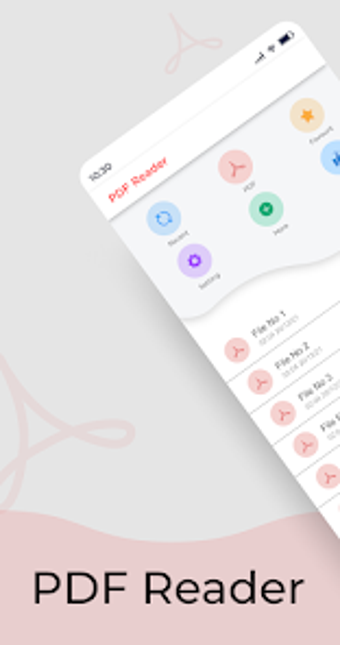
The app is a simple and convenient way to read PDF files. You can search by document name or by page number, so it's easy to find your document. Once you've found it, you can click on it to open it in high-quality PDF format.
You can also save your documents in PDF format to your device. To do this, simply tap on the'save' button in the top-right corner of the screen. You will be able to save PDF files in your phone, and you can read them later. To read your PDF files, tap on the 'open' button in the top-right corner of the screen.
If you have a tablet, you can use the 'i' button to switch to the interactive version of the app. You will be able to use the app with a mouse and a touch screen.